Certificate Enrollment with EST and SCEP: Why Automated PKI Is No Longer Optional
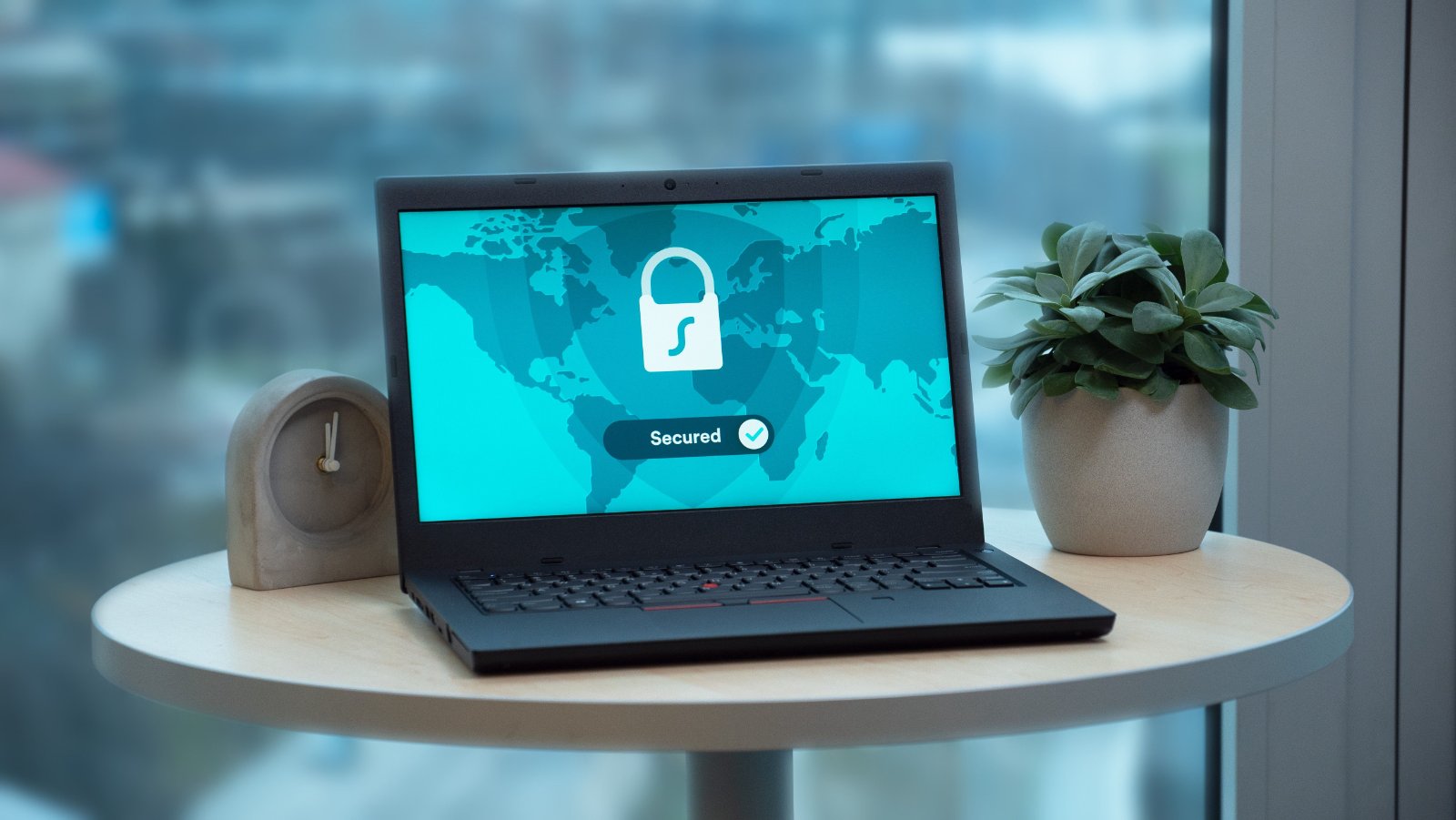
Every secure connection your business relies on is backed by a certificate. Your website, your VPN, the phones your staff carry, the services talking to each other behind the scenes, all of them prove who they are with a digital certificate. And every one of those certificates expires. Someone, or something, has to request a new one, get it issued, install it, and do it all again before the old one runs out.
At a handful of certificates, that is a calendar reminder and an afternoon. At hundreds or thousands, done by hand, it is a standing risk. And the time you have between renewals is about to shrink dramatically.
This post explains what certificate enrollment is, the protocols that automate it, EST, SCEP, and ACME, and why getting this right is moving from a nice-to-have to something most organizations cannot avoid.
The deadlines are shrinking fast
For years, a public TLS certificate lasted about a year. That is ending. In April 2025 the CA/Browser Forum, the body that sets the rules for publicly trusted certificates, voted to cut the maximum lifespan of a TLS certificate in stages: 200 days from March 2026, 100 days from March 2027, and just 47 days from March 2029.
Forty-seven days means renewing every six to seven weeks, roughly eight times more often than today. Any process that depends on a person remembering to renew and reinstall a certificate will break under that load. The whole point of the change is to push the industry toward automation, because manual certificate management stops being possible at that pace.
This rule applies to public web certificates, but the direction is clear for everyone. Short-lived certificates issued and renewed automatically are becoming the norm, inside your network as much as on your website. That is where certificate enrollment comes in.
What certificate enrollment actually is
A certificate has a lifecycle: a request is made, the requester's identity is checked, the certificate is issued by a certificate authority, it gets installed where it is needed, and later it is renewed or revoked. Enrollment is the front of that cycle, the requesting, issuing, and renewing.
Doing it by hand means someone generates a request, sends it to a certificate authority, waits, downloads the certificate, and installs it. An enrollment protocol replaces that with an automatic exchange: the device or service asks the certificate authority for a certificate, proves it is allowed to have one, and receives it, with no person in the loop. Renewal happens the same way, on its own, before expiry.
That automatic exchange is what lets a fleet of thousands of devices or services stay current without a team drowning in renewals.
The enrollment protocols, in plain terms
There are three you are likely to meet, each suited to a different job.
SCEP (RFC 8894) is the long-standing workhorse. It is simple and very widely supported, which is why it powers certificate delivery in a lot of mobile device management and network equipment. It has known limitations around modern cryptography and identity checks, but its broad support keeps it in heavy use.
EST (RFC 7030) is the modern successor. It runs over TLS, supports current cryptography including elliptic curve keys, and handles identity more securely. For new enterprise and device deployments, it is usually the stronger choice.
ACME (RFC 8555) is the protocol behind automated public web certificates, and the reason services like Let's Encrypt work without anyone clicking through a renewal. If the certificate is for a public website, ACME is almost always the right tool.
In short: ACME for public web certificates, EST for modern internal and device certificates, and SCEP where you need to work with the wide base of equipment that already speaks it.
Running your own certificate authority
Not every certificate should come from a public authority. Organizations that issue certificates to their own devices, staff laptops, or internal services usually run a private certificate authority. It gives them full control over who gets a certificate, avoids a per-certificate cost across a large fleet, and keeps internal identity in their own hands.
A private authority is only useful if devices can actually get certificates from it without manual work, and that is exactly what EST and SCEP are for. The certificate authority issues, and the enrollment protocol delivers, automatically and on renewal. Building that pairing, a certificate authority plus a working enrollment path, is the heart of a practical internal PKI.
Where this shows up
Automated enrollment quietly sits under a lot of everyday infrastructure:
- Device and IoT identity, where thousands of devices each need their own certificate to be trusted.
- Service-to-service security, where internal systems authenticate to each other with certificates rather than passwords.
- VPN and Wi-Fi access, where certificates decide which devices are allowed on the network.
- Managed laptops and phones, where a device management system enrolls certificates for email, Wi-Fi, and VPN without the user doing anything.
In all of these, the certificate is invisible when it works and a serious outage when it silently expires.
Why this is worth handling now
The shrinking renewal window is not a distant problem. The first cut is already in effect, and each step makes manual work less survivable. The organizations that cope will be the ones that automated early.
The first risk is not even the renewals, it is the certificates you have forgotten about. Most networks have certificates nobody inventoried, sitting quietly until they expire and take a service down. A sensible first step is finding every certificate you have, then putting automated enrollment and renewal in place so they never lapse. Both take some lead time to do properly, which is the argument for starting before the next deadline rather than after an outage.
How Softechies helps
Certificate authority and enrollment work is one of our specialities. Softechies has built certificate authority infrastructure and enrollment systems as part of our custom software work since 2012, including EST and SCEP implementations and integrations with the Windows security stack. We can help you stand up an internal certificate authority, add automated enrollment for your devices and services, and move away from manual renewals before the shrinking deadlines force the issue.
If certificates are becoming a headache, or you know a renewal cliff is coming, we can help you get ahead of it.
Frequently asked questions
What is the difference between EST and SCEP? Both automate certificate enrollment. SCEP is older and very widely supported, which makes it common in device management and network gear. EST is newer, runs over TLS, and handles modern cryptography and identity more securely, so it is usually the better choice for new deployments.
Does the 47-day certificate change affect my internal certificates? The 47-day rule applies to publicly trusted TLS certificates, such as those on public websites. Your internal certificates are not bound by it, but the same pressure applies: short-lived, automatically renewed certificates are becoming best practice everywhere, and manual renewal does not scale.
Do we need our own certificate authority? It depends. If you issue certificates to many internal devices or services, a private certificate authority gives you control and avoids per-certificate costs. For public websites, a public authority with ACME is usually the right route. We can help you decide which fits.
We are not sure how many certificates we have. Is that a problem? It is the most common problem, and worth fixing first. Certificates nobody tracked are the ones that expire and cause outages. Finding them all is the sensible first step before automating renewal.
Ready to get ahead of the renewal cliff?
If your team is managing certificates by hand, or you are planning device or service identity at scale, automated enrollment is worth setting up now rather than after something expires. Get in touch with Softechies and we will help you map out a certificate authority and enrollment setup that fits your infrastructure.
You can also see our client reviews and completed projects on our Upwork and Freelancer profiles.